Reviews Badge Widget
Overview
An authoritative trust-mark that builds social proof and establishes credibility in the minds of prospective shoppers, the Reviews Badge shows the total number of published reviews and the aggregated average of all star ratings.


Installation
- Shopify Online Store 2.0
- Shopify Vintage Theme
Instructions for a Shopify Online Store 2.0 installation can be found here.
-
Create a new liquid snippet in the
snippetsfolder with the following name:snippets/okendo-reviews-badge.liquid -
Inside your newly created liquid file, add the following HTML snippet:
<div data-oke-badge></div>
-
Customize your snippet with the data attributes listed here.
-
Copy the following snippet and place it in your Theme Code where you would like the widget to appear:
{% render 'okendo-reviews-badge' %}
Styling
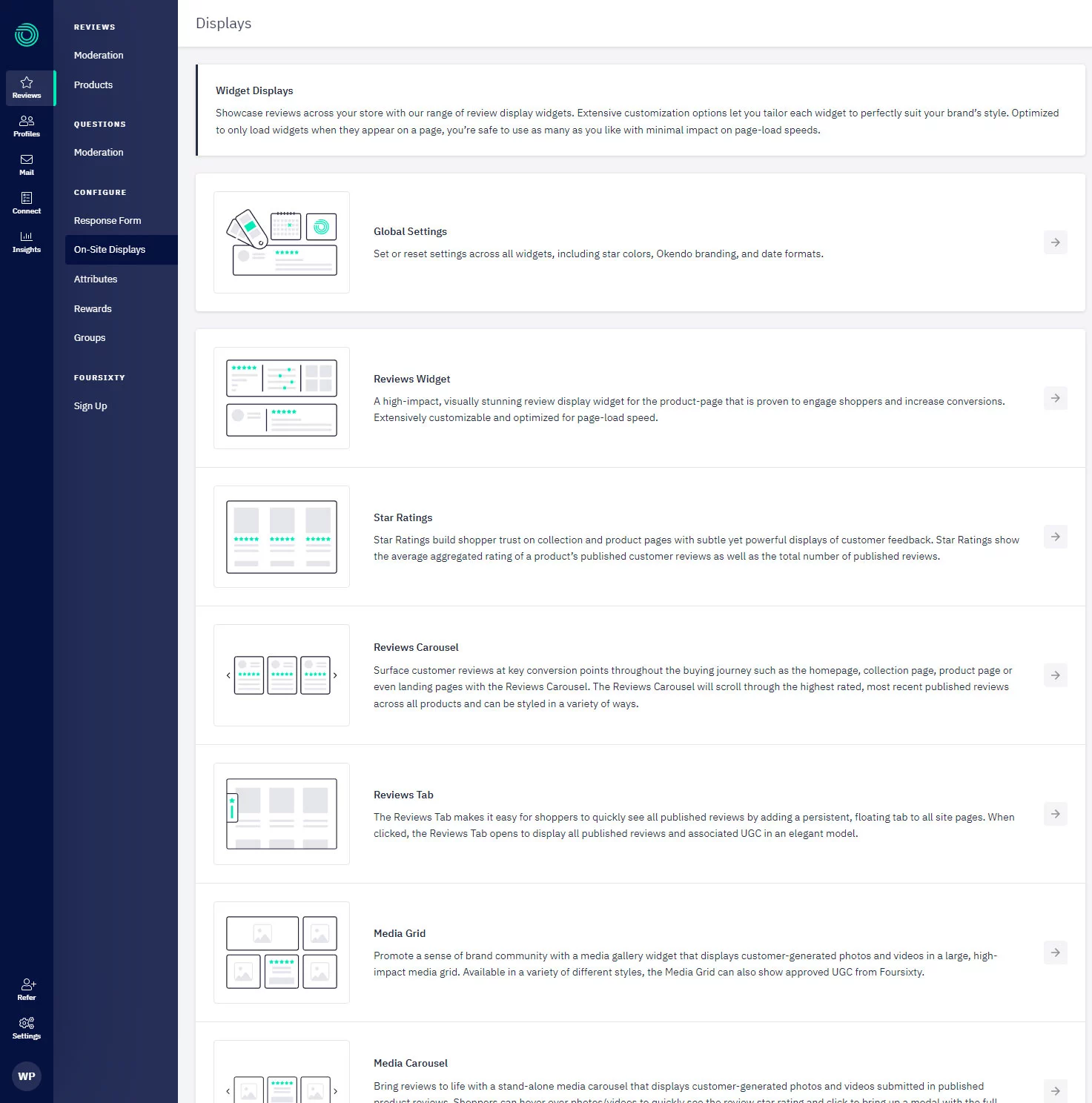
The preferred method of configuring the Reviews Badge is via the Okendo Admin which can be accessed in the Okendo app via Reviews → On-Site Displays:
Data Attributes
| Data Attribute | Description | Value Type | Supported Values | Required |
|---|---|---|---|---|
data-oke-reviews-product-id | Used to specify a Shopify Product ID with the word shopify- in front of it. The reviews badge widget will only show aggregate review data for the specified product. | string | Any valid product ID in the format shopify- e.g. shopify-1234567. | |
data-oke-reviews-group-id | Used to specify an Okendo Group ID so that the reviews badge widget will only show aggregate review data for the specified group of products. | string | Any valid product group ID in a GUID format e.g. 69d2e67d-b980-4333-97b7-30411807a7b1 | |
data-oke-url | Used to hyperlink the badge on click so that it directs the user to a custom absolute URL. | string |
Examples
Giving The Widget A Data Source
Without specifying a data source for the badge, the widget will show all aggregate review data for your store. You can provide either a Product ID or a Group ID to use that as the data source.
Product Widget
If you are using liquid, use the following snippet:
<div
    data-oke-badge
    data-oke-reviews-product-id="shopify-{{ product.id }}"
></div>
The general format for other frameworks is:
<div data-oke-badge data-oke-reviews-product-id="shopify-<PRODUCT_ID>"></div>
Group Widget
Learn more about Okendo Groups here:
If you are using liquid or general frameworks, use the following snippet:
<div data-oke-badge data-oke-reviews-group-id="<GROUP_ID>"></div>
Group ID is found in the Okendo Admin URL for a given group as described in the table above.